

Processes

Draw the process once, and work reaches the right person

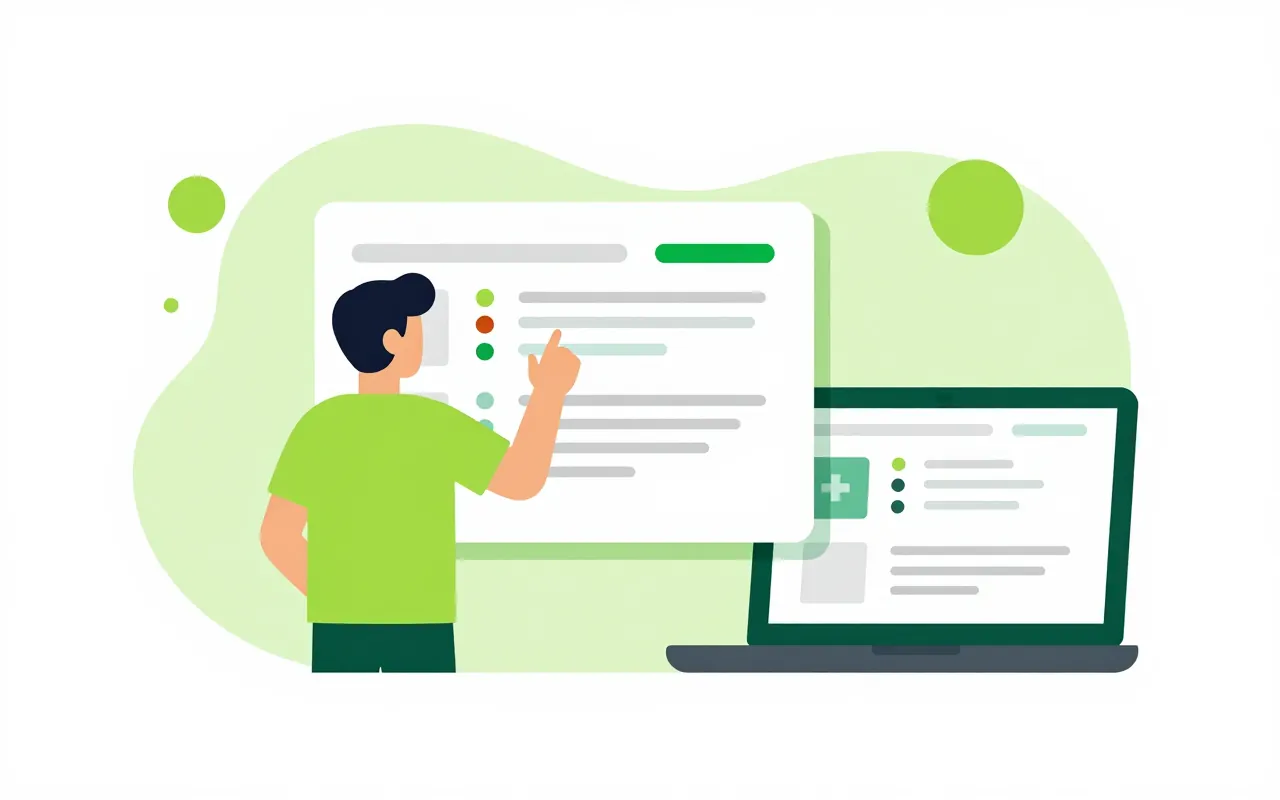
A purchase request above 50 million dong needs the director, below that the department head is enough. Rules like this are drawn as a process by drag and drop, with a form for each step. You test it with sample data before publishing, and staff then submit and approve requests, on their phones too.

  • Drag-and-drop BPMN processes
  • Test runs before publishing
  • Vietnamese process templates included

Process and forms on the same screen

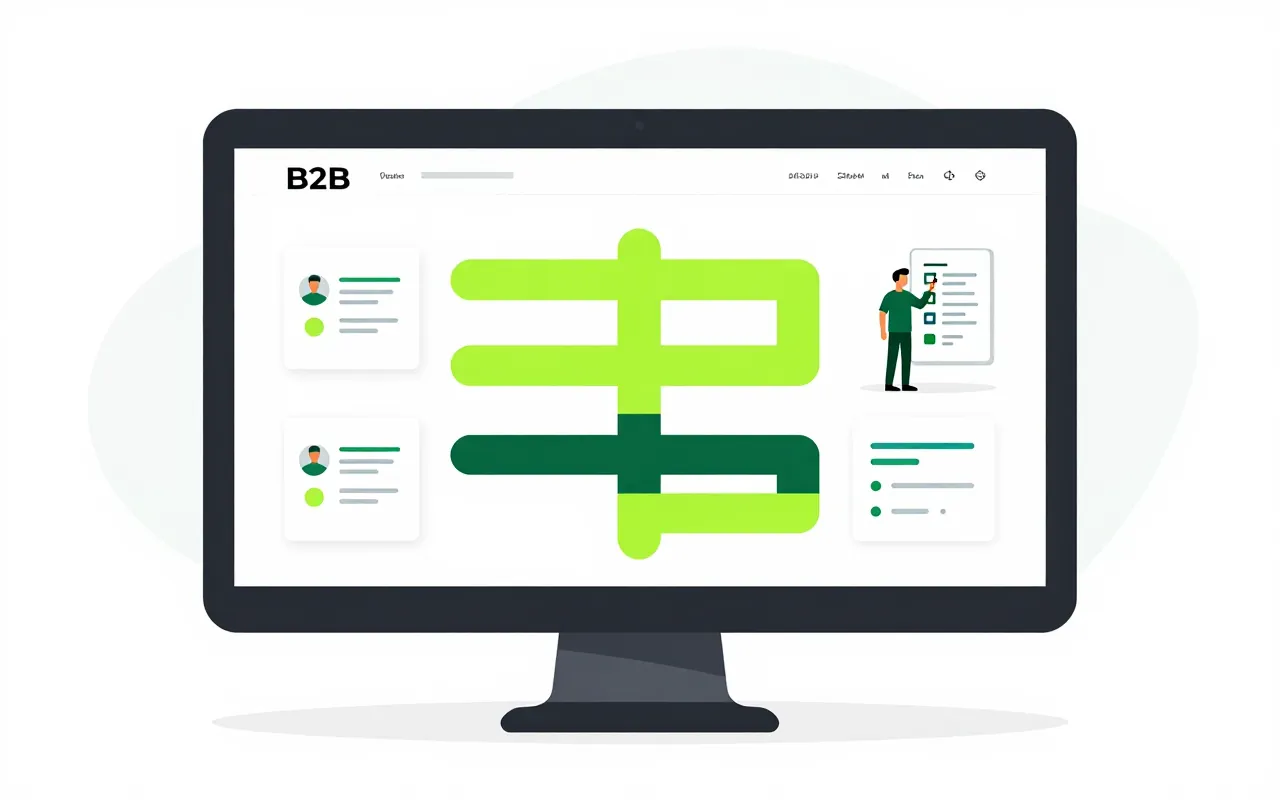
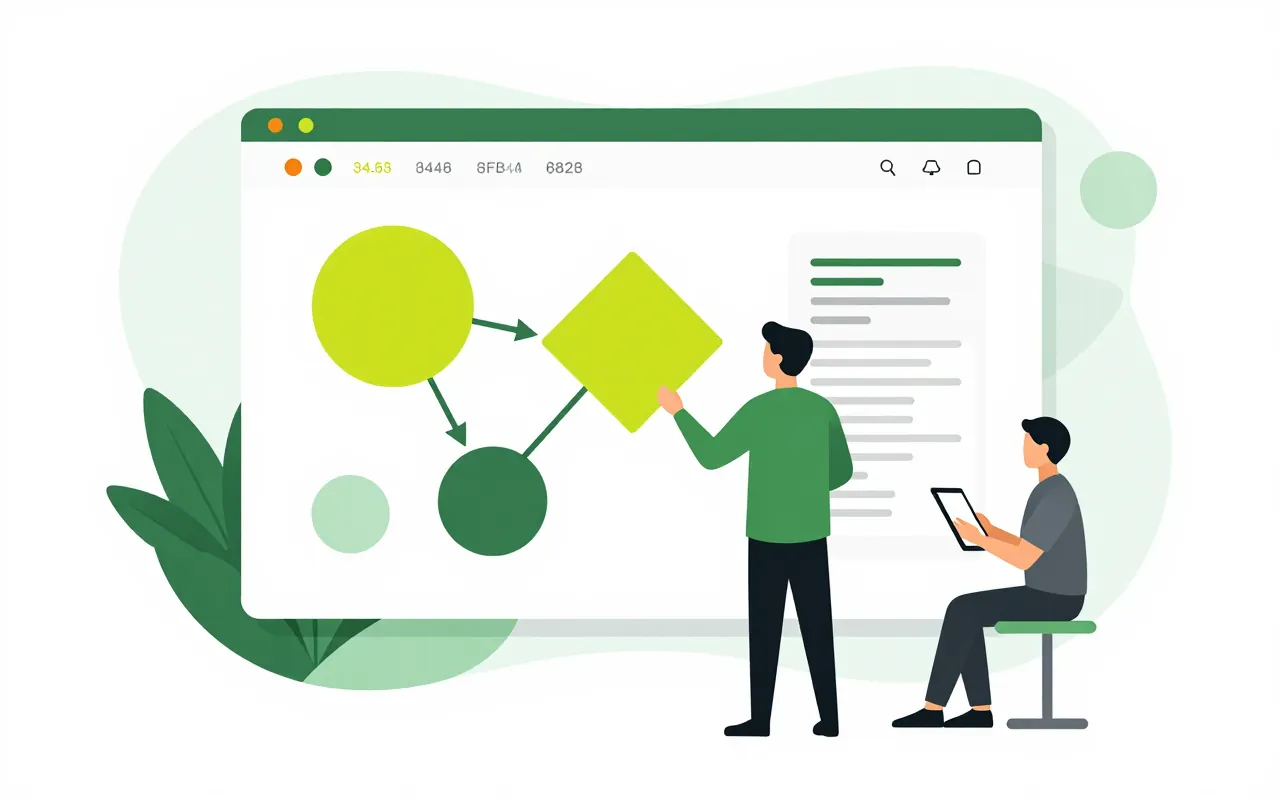
The admin team drags in steps, branches on conditions and splits work between departments in parallel. Each step's form is edited next to the diagram, with detail tables, catalogue lookups and money fields spelled out in words. Vietnamese process templates give a starting point instead of a blank canvas.

  • Branch on conditions without writing expressions
  • Pick a catalogue row and nearby fields fill in
  • Decision tables for rules with many conditions
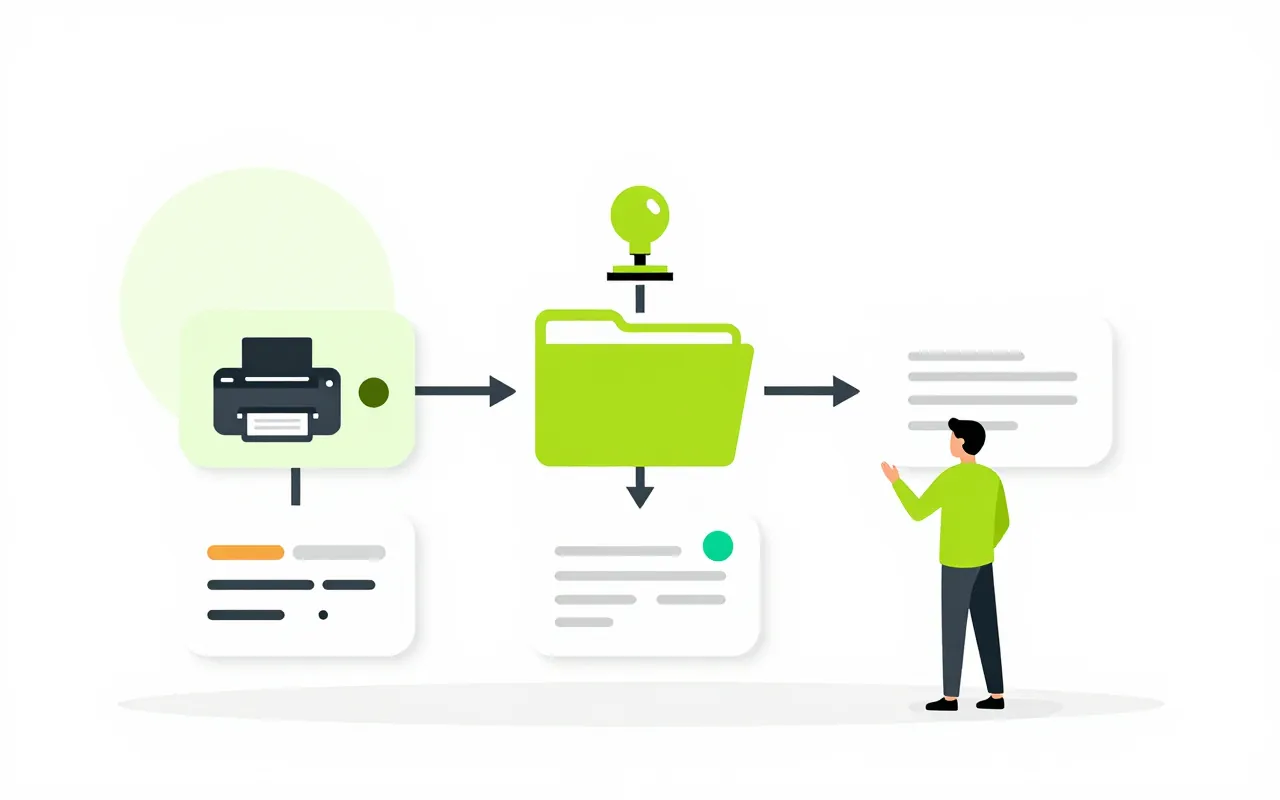
Steps that do extra work when approved

When the director approves, the system can print the form with a watermark, file it in the request's dossier, write data into another app, create a contract or assign a project task. Later steps see earlier data and add to it, with every change recorded.

  • Print, watermark and file automatically
  • Create a contract or project task from a step
  • Call other systems through set connections

The right person, even when they are away

Whoever handles a step is picked by rule, by site or from an assignment table. Anyone who receives a task can press "Why me?" to see the reason. A step can have several people responsible, and the one who completes it is recorded. Work sent back for more information returns to the exact step that needs it.

  • Assignment tables by site or by amount
  • Send back to the exact step
  • Delegation, reminders and escalation

Test first, publish after

One click creates test data that walks every branch, and the diagram shows which paths ran and which are still untried. A health panel lists problems such as a step with nobody assigned, each with a quick fix. Drafts save themselves, and two versions can be compared before publishing.

  • Test data covering every branch
  • Health panel with quick fixes
  • Compare two process versions
Can people who do not code change a process?

Yes. Design mode uses business words with help next to each item, and branches are picked from lists instead of written as expressions. Processes are stored as standard BPMN, so the IT team can still read and review them.

Does editing a process affect requests already running?

No. Changes take effect when you publish. Requests submitted earlier carry on under the version they started with.

Can we replace an app's built-in approval flow?

Some apps, such as leave requests in HR, let the company swap the default approval flow for its own process. The app sends the request over and the process reports the outcome back.

Book a demo

Leave your details and we will call you within one working day to set a time. The demo takes about 30 minutes and focuses on the departments you care about.

  • A demo on your own processes
  • Advice on cloud or your own servers
  • A quote based on your user count

Or email us: sales@ziro.vn

Fields marked * are required.