
E-contracts

Contracts go from first draft to final signature without printing

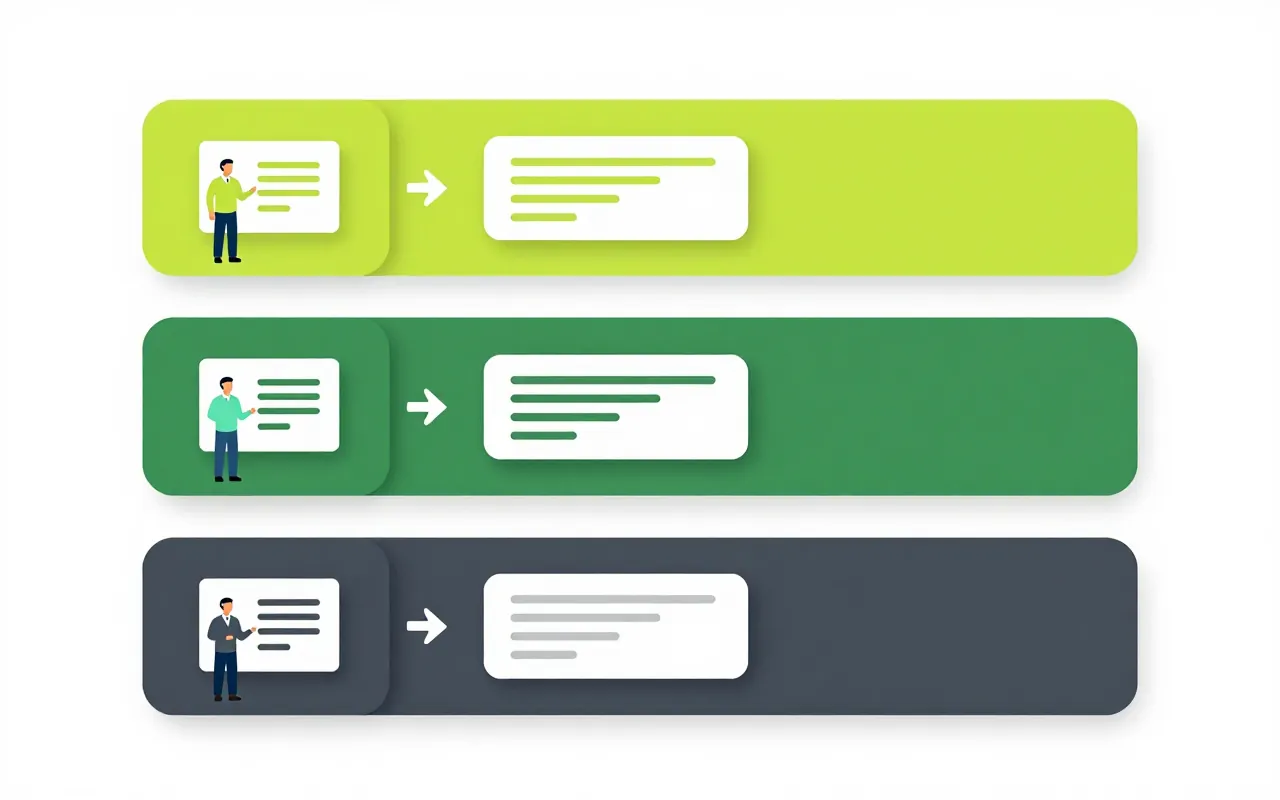
Sales drafts a contract from a template, legal and the director approve it in the system, and it goes to the customer to sign. Every revision is kept as a version you can compare. After signing, the system keeps reminding people about payment, delivery and renewal dates.

  • Internal approval before it leaves
  • Each party signs its own field
  • Obligation reminders after signing

Draft, approve and negotiate with a record

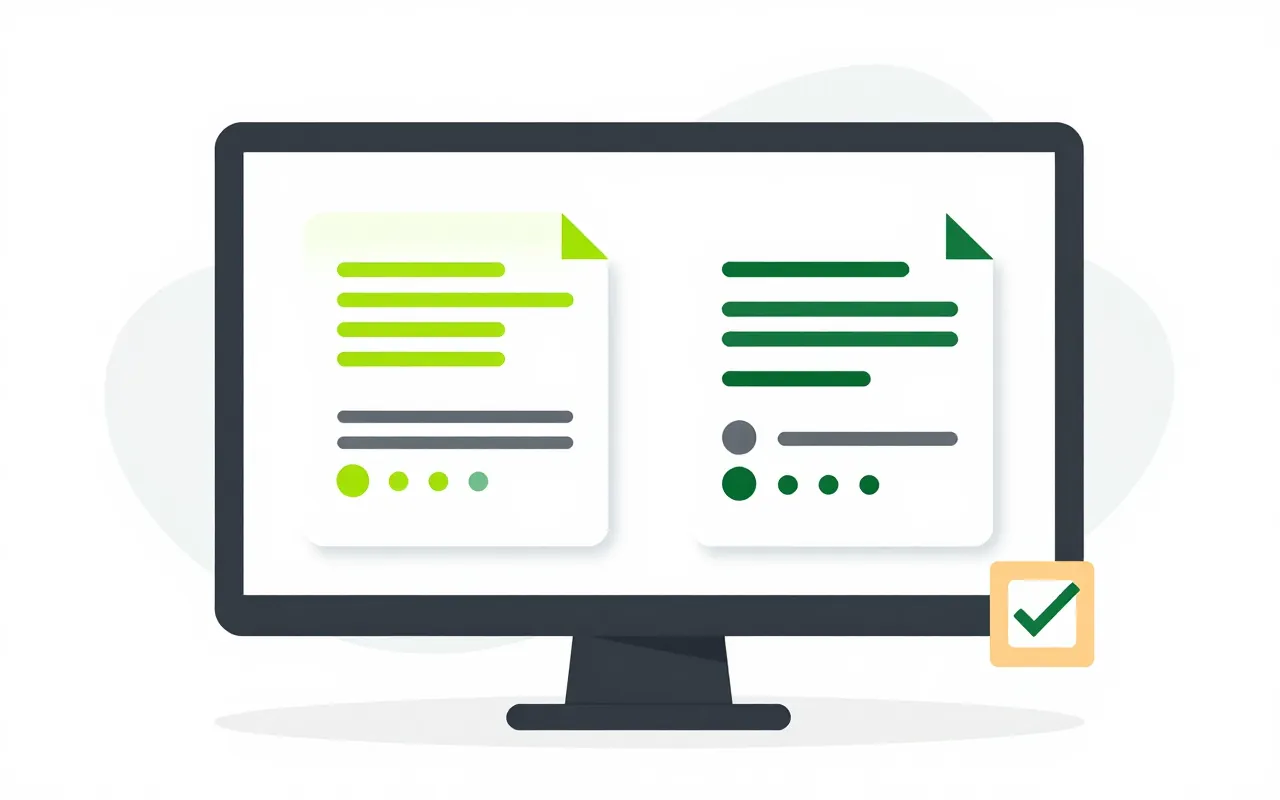
A salesperson creates the contract straight from a CRM deal, choosing the contract type and template. Legal, accounting and the director approve before it goes out. When the customer sends back changes, both versions are kept and the differences are shown.

  • Start from a template or a sales deal
  • Internal approval set by contract type
  • Compare versions, signed versions are locked
Signing in order, one field per signer

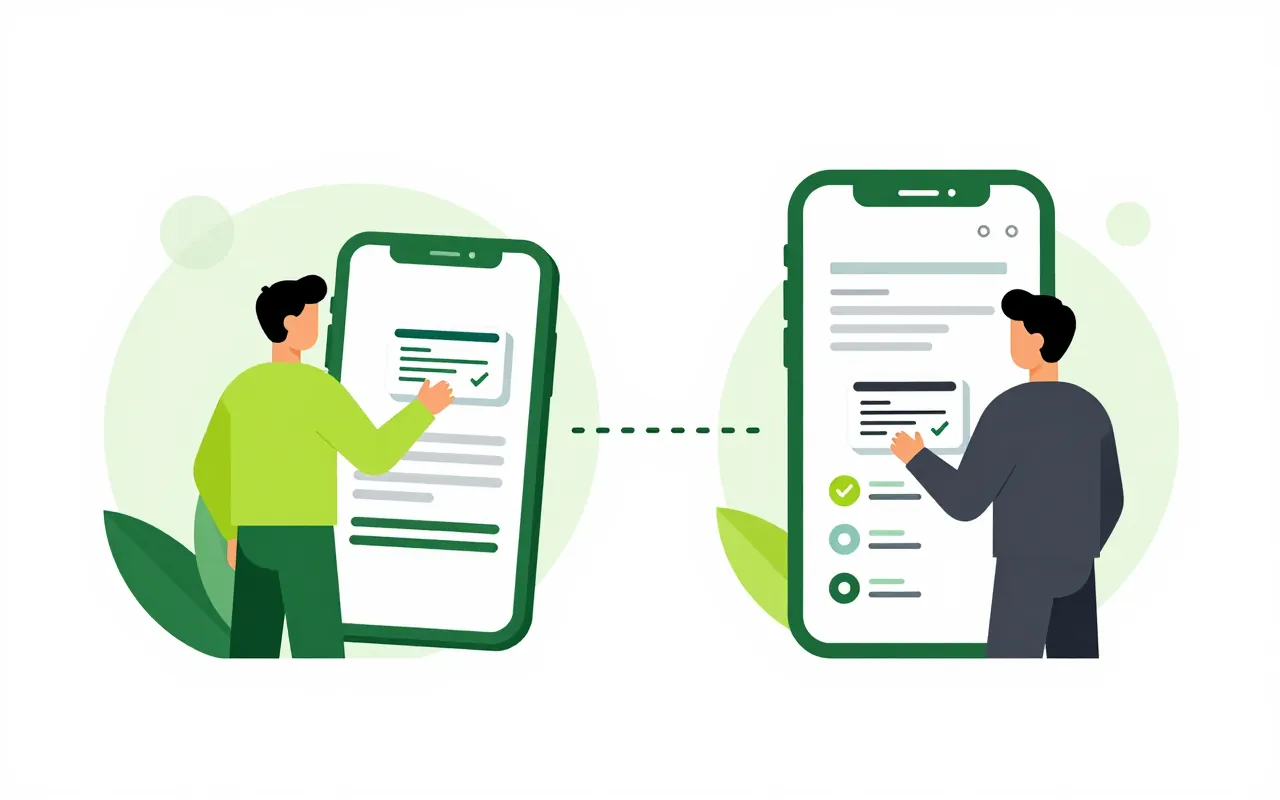
Drag a signature field onto the page for each party, then set a signing order or let several people sign at once. External signers get a one-time code by SMS, Zalo or email and sign on their phone. Anyone who disagrees can decline and give a reason.

  • Sequential or parallel signing
  • External signers verified by one-time code
  • Digital signature or internal image signature

Payment and renewal dates are not missed

Once signed, the contract's obligations such as payment instalments, delivery dates and expiry are tracked on their own. The owner is reminded before each date and again if it passes. Annexes signed later attach to the original, which shows the terms currently in force.

  • Reminders before and after due dates
  • Annexes linked to the original contract
  • Signing delegation with value limits

Anyone can check a printed contract

The printout of a signed contract carries a QR code. A partner or a bank scans it to see whether the contract is intact or has been altered. Older contracts on paper or in files can be imported, with AI suggesting the key fields for someone to confirm.

  • QR verification on the printout
  • Import old contracts with AI suggestions
  • Contract dashboard and reports
Do customers need an account to sign?

No. The customer receives a signing link, confirms with a one-time code sent by SMS, Zalo or email, and signs on a phone or computer.

What about contracts that need a digital signature?

Each contract type sets a minimum signature level. Types that require a digital signature are signed through the Digital signing app, while internal types can use an image signature.

Can one template go to many signers?

Yes. Pick a template and a list of signers, and the system creates a separate contract for each one and tracks each status.

Book a demo

Leave your details and we will call you within one working day to set a time. The demo takes about 30 minutes and focuses on the departments you care about.

  • A demo on your own processes
  • Advice on cloud or your own servers
  • A quote based on your user count

Or email us: sales@ziro.vn

Fields marked * are required.