


Mobile App

Ziro Office work you can finish away from your desk

A manager on a business trip approves leave requests and signs contracts straight from the task list on the phone. Employees clock in at the workplace, request leave and read their payslips without asking HR. With no signal, actions still go through and are sent once the phone is back online.

  • One list of things to approve or sign
  • Clock in and approve while offline
  • Works with on-premises installs

Approve and sign from one list

Leave requests, advance requests, contracts waiting for signature and timesheet corrections from every module land in To do. Approvers accept or reject right in the list, approve several at once, or hand an item to someone else. Contracts can be signed on the phone, with identity verification when the company requires it.

  • Approve, reject, reassign from the list
  • Sign contracts on the phone
  • Quick unlock with fingerprint or face
Clock in where you actually are

Before you tap, the screen tells you whether you are inside the allowed area and whether the punch will need a manager's confirmation. Outside the area you can still clock in, with a photo and a confirmation step. Forgot to clock in? Send a correction request that goes straight to your manager.

  • Location, office Wi-Fi, reception code
  • Shows the outcome before you tap
  • Correction requests for missed punches

Self-service without asking HR

Employees check remaining leave, request leave or overtime, and read their payslips, labour contract and personal record. If the record is wrong, they send a correction request. The Today screen shows the shift, meetings, company notices and pending items.

  • Leave, overtime and template requests
  • Payslips, contracts, assets in your care
  • Chat, calls and the company feed

One scanner for every code

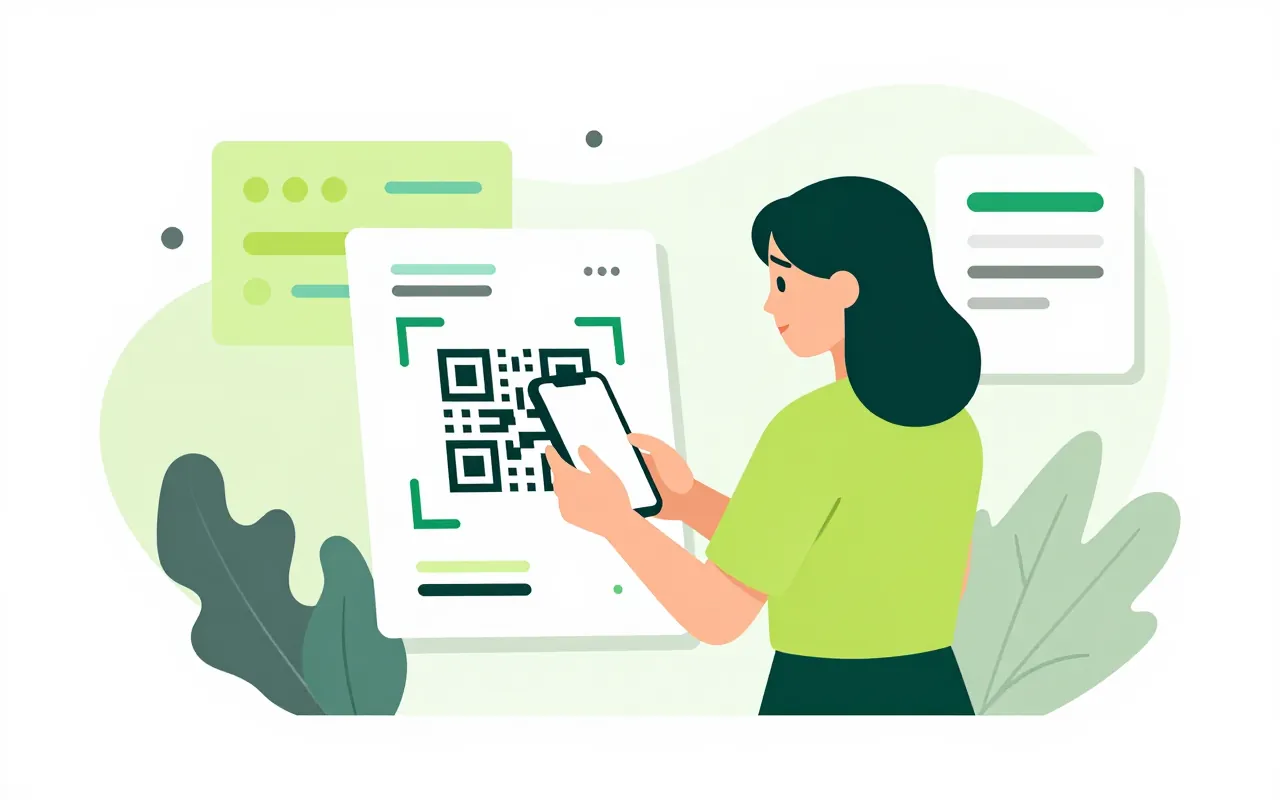
Scan the code on an asset to see its details and count it, scan at an event to check in, scan a notice to confirm you read it. Scan the code on a computer screen to sign in to the browser with your phone. Multi-page documents can be captured into one file.

  • Asset counts, event check-in, read receipts
  • Sign in to the browser with your phone
  • Capture multi-page documents
What if there is no signal?

Lists you have opened stay available. Actions such as approvals, punches and messages are queued and sent exactly once when the connection returns. A punch records both the time you tapped and the time the server received it.

Does the app work if we run Ziro Office on our own server?

Yes. On first sign-in you enter the server address your administrator gives you. Notifications still reach the phone as they do on the cloud version.

Do we need an app update when we turn on a new module?

No. Each module declares its Today cards, its to-do items and its quick actions. When your company turns a module on, that part appears in the app without an update.

Book a demo

Leave your details and we will call you within one working day to set a time. The demo takes about 30 minutes and focuses on the departments you care about.

  • A demo on your own processes
  • Advice on cloud or your own servers
  • A quote based on your user count

Or email us: sales@ziro.vn

Fields marked * are required.