



Identity verification

Verify identity when it matters, and keep only what is needed

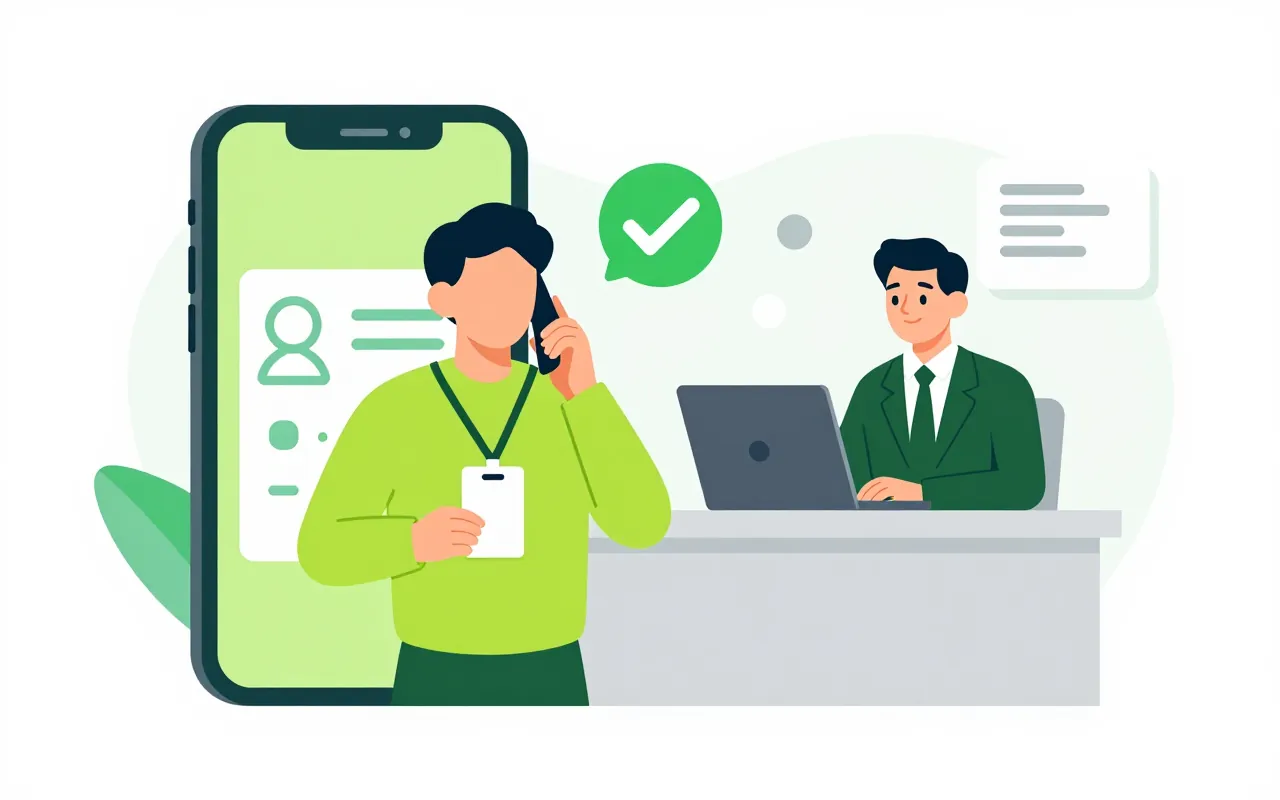
Signing a labour contract, hiring or onboarding a partner sometimes means knowing for sure who someone is. This app sends a verification request tied to a purpose, records the person's consent and returns only the result that will be used. ID and face photos are kept for review only and delete themselves when their time is up.

  • Each check tied to a purpose
  • The person's consent recorded
  • Photos deleted when they expire

Checks tied to a purpose, nothing extra asked

HR requests a check before a labour contract is signed, and recruitment requests a screening for a candidate. Each purpose has its own required level. Recruitment only learns whether the person is verified and whether the name matches, never the ID number or photos.

  • Required level set per purpose
  • Only the needed result is returned
  • Hand off to a phone with a one-time code

People see where their data goes

Before starting, the person reads and accepts a notice about sensitive data. The My identity page shows past checks and lets them ask to see, correct or delete their data. Each request has a deadline clock so the team in charge does not miss it.

  • Every consent recorded
  • A My identity page
  • Deadline clock on data requests

Never stuck halfway

When automatic checks fail after a few tries, the case moves to a review queue instead of ending on an error. Two reviewers look at it and decide together. ID and face photos exist only for that review and are deleted when they expire, with the deletion recorded.

  • Review queue with two deciders
  • Photos expire, deletion is recorded
  • A clear reason why someone is verified

Campaigns and front-desk checks

To re-verify every employee, create a campaign. The system sends the requests, nudges people who have not finished and shows progress. A tablet at reception or in HR can run in kiosk mode and clears the session after 30 seconds of inactivity.

  • Campaigns with nudges and progress
  • Kiosk mode that clears itself
  • Passport MRZ check
Who reads the ID chip and matches the face?

Chip reading, face matching and liveness checks are done by an eKYC provider. Ziro Office handles the purpose, consent, results, review and how long photos are kept. Connecting to a specific provider is done during rollout.

How do e-contracts use the result?

A labour contract sent from E-contracts can require the employee to pass a high-level identity check before signing, with a fresh face check for each contract.

Are ID photos kept forever?

No. Photos are kept for the configured review period, then deleted and the deletion is checked. Other apps receive only the verification result.

Book a demo

Leave your details and we will call you within one working day to set a time. The demo takes about 30 minutes and focuses on the departments you care about.

  • A demo on your own processes
  • Advice on cloud or your own servers
  • A quote based on your user count

Or email us: sales@ziro.vn

Fields marked * are required.