



AI Assistant

An AI assistant that reads only what you are allowed to see

Press Ctrl+J to ask about a contract, your assigned tasks or your remaining leave, and get an answer with sources you can open. Inside each module, AI summarises long documents, briefs approvers and pre-fills forms from attached papers. Admins decide which data may go where, or run the model on the company's own server.

  • Never reads beyond the asker's rights
  • Answers come with sources
  • Runs on your own server if you want

Ask and get answers with sources

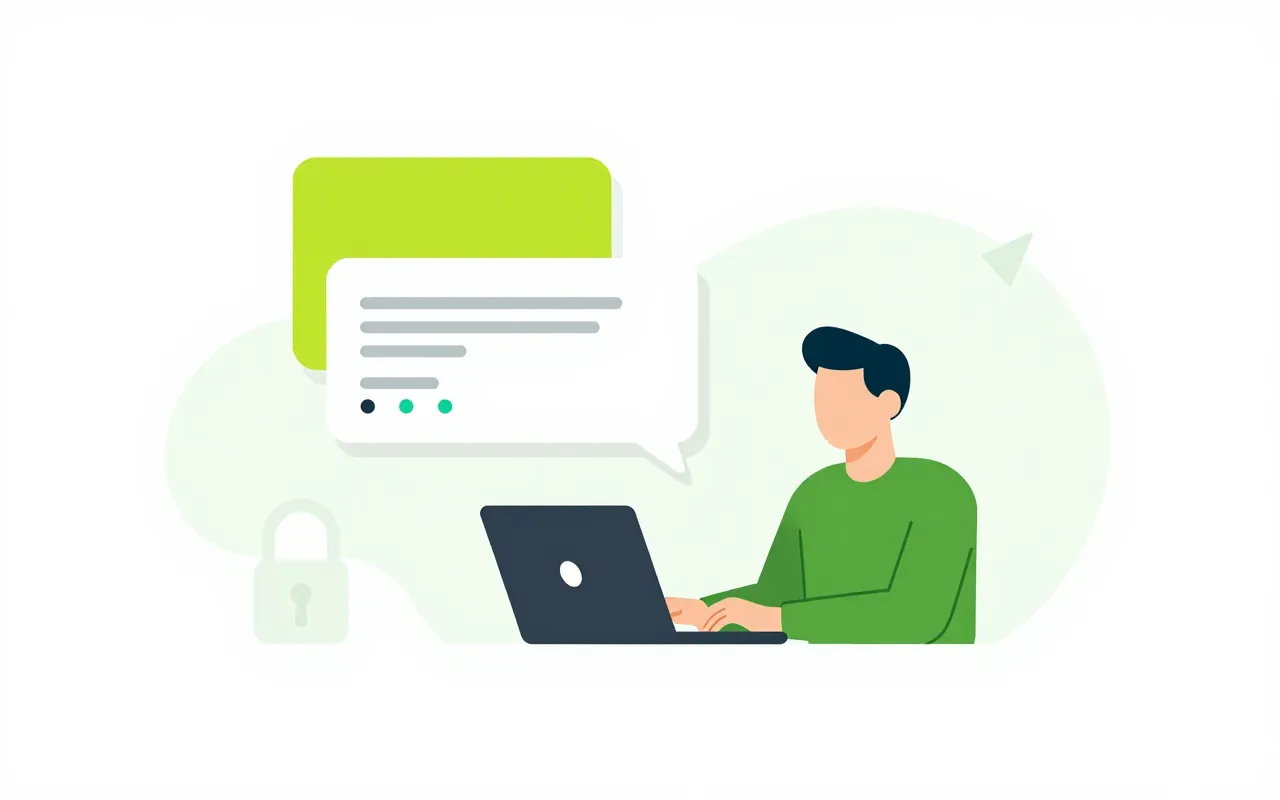
An employee asks when the contract with a supplier expires, or which of their tasks are overdue this week. The assistant searches documents, contracts, records and tasks with the asker's own permissions and answers with links to the originals. If the person may not see that contract, neither can the assistant.

  • Open from the top bar or with Ctrl+J
  • Every answer links to its sources
  • A morning card sums up what is due today
AI inside the work you are doing

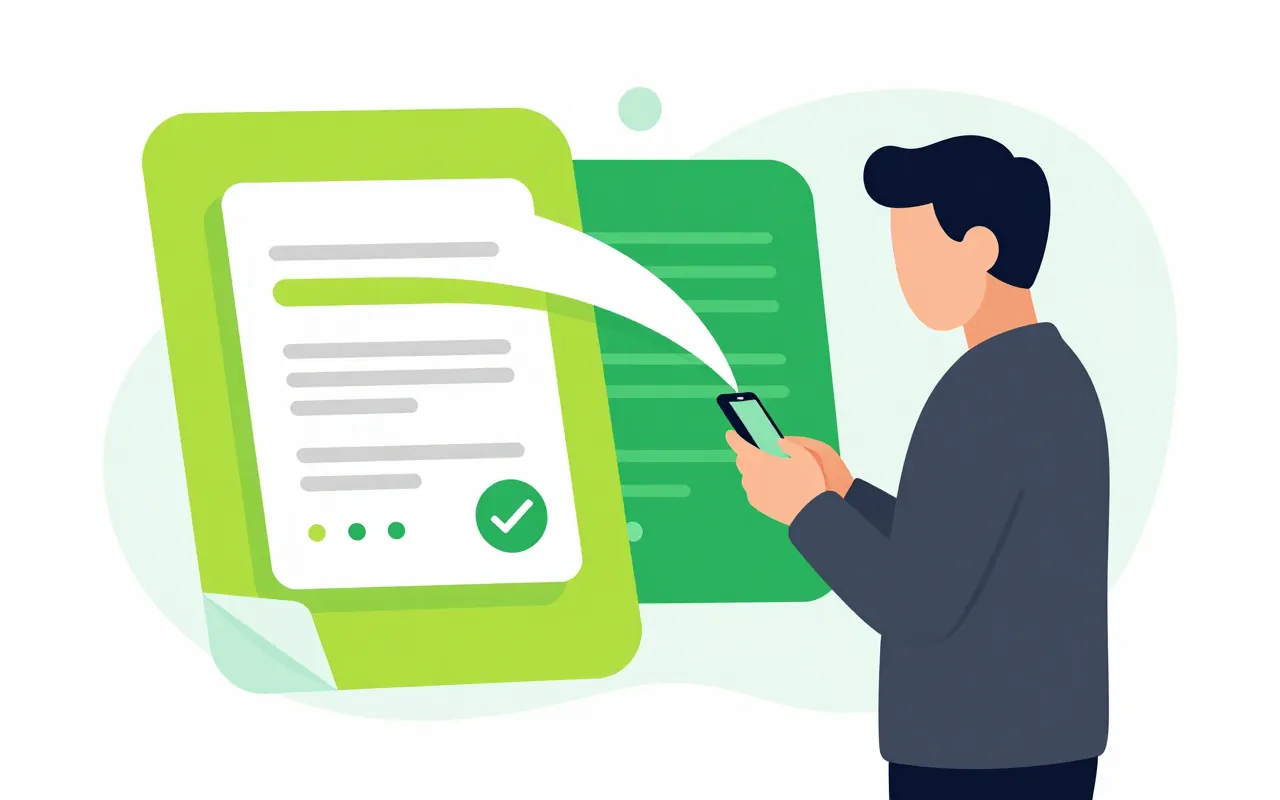
A department head receives a purchase request with a long file, and AI boils it down to a few lines for a quick decision. A secretary pastes meeting minutes and AI pulls out the tasks to assign. Someone filing a request attaches a paper, AI fills the fields, and the person checks before sending. A button next to text fields rewrites, shortens or translates.

  • Summaries of documents and pending approvals
  • Tasks from minutes, forms from papers
  • AI-written content is always labelled

Your company decides where data goes

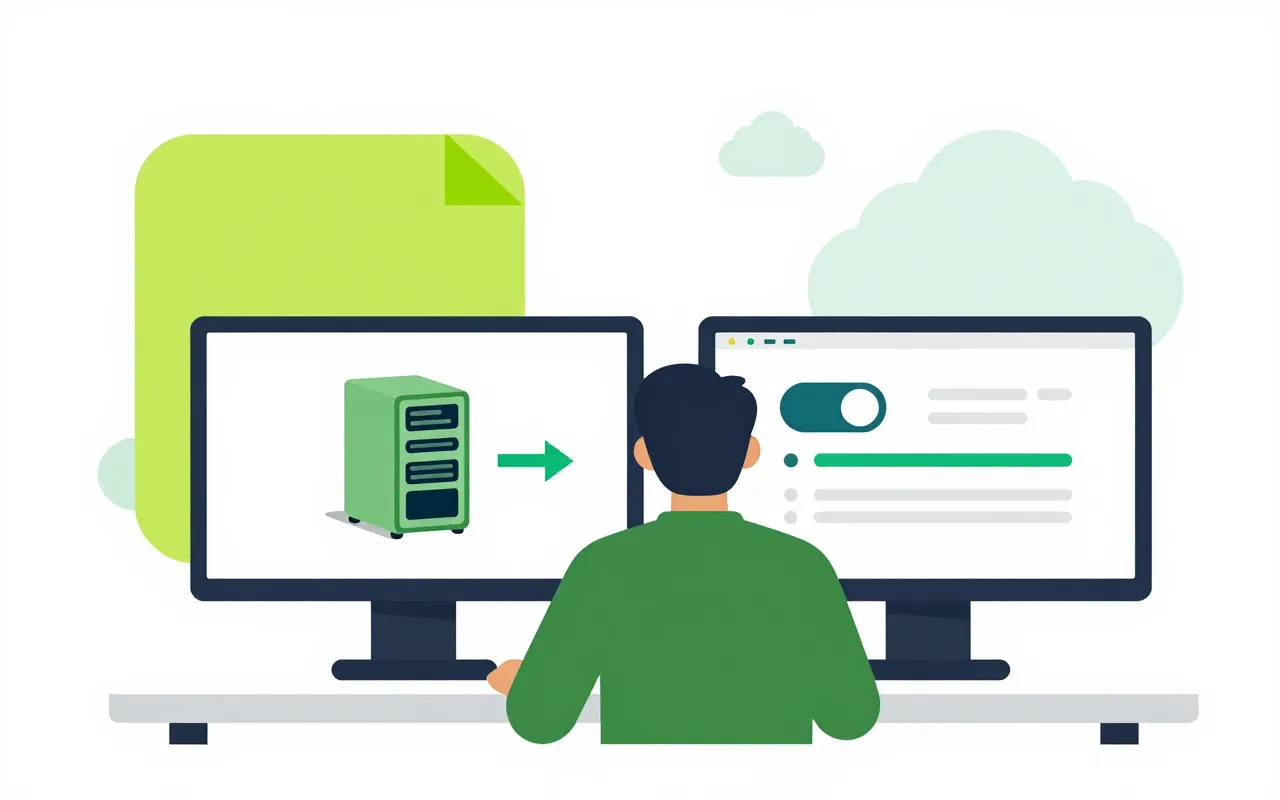
Admins choose which AI provider may receive which data class: public, internal, personal or sensitive. A company that wants to keep data in-house runs the model on its own server. AI can be switched per module, capped per person per day, and every employee can turn it off for themselves.

  • Policy by data class
  • Per-module switches, per-person limits
  • Admins see usage counts, never content

Use Claude or ChatGPT with Ziro data

Employees who already use Claude or ChatGPT can connect them to Ziro Office when the company allows it. The outside assistant only gets that person's own permissions, in the modules the company opens. Admins approve which assistants may connect, and each person can revoke their connection at any time.

  • Connect over MCP, sign in with Ziro
  • Limit modules and the data class sent out
  • Revoke from your profile, effective at once
Does the assistant change data on its own?

No. It never approves, signs, pays or deletes for you. Creating or editing through the assistant is off by default. When it is turned on, each change appears as a proposal card listing the exact values, and it runs only when you press Confirm.

Can admins read what I ask?

No. Admins only see usage counts by module and by person. Questions and answers are not written to the AI log.

How is AI charged?

AI is priced per organisation, with a shared monthly allowance. When it runs out, buy a top-up pack, or switch to running on your company's own AI server if you have one.

Book a demo

Leave your details and we will call you within one working day to set a time. The demo takes about 30 minutes and focuses on the departments you care about.

  • A demo on your own processes
  • Advice on cloud or your own servers
  • A quote based on your user count

Or email us: sales@ziro.vn

Fields marked * are required.