
Desktop time tracking

Attendance from the computer, and staff always know what is recorded

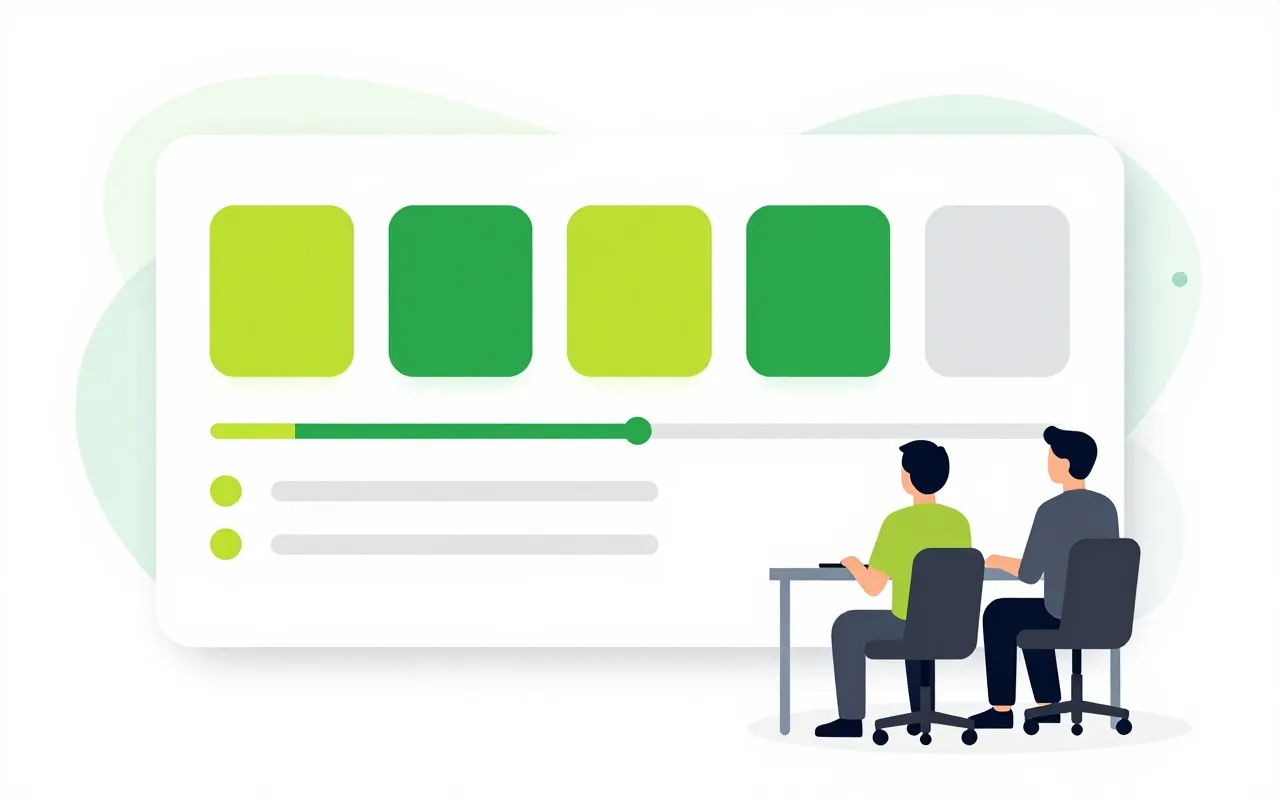
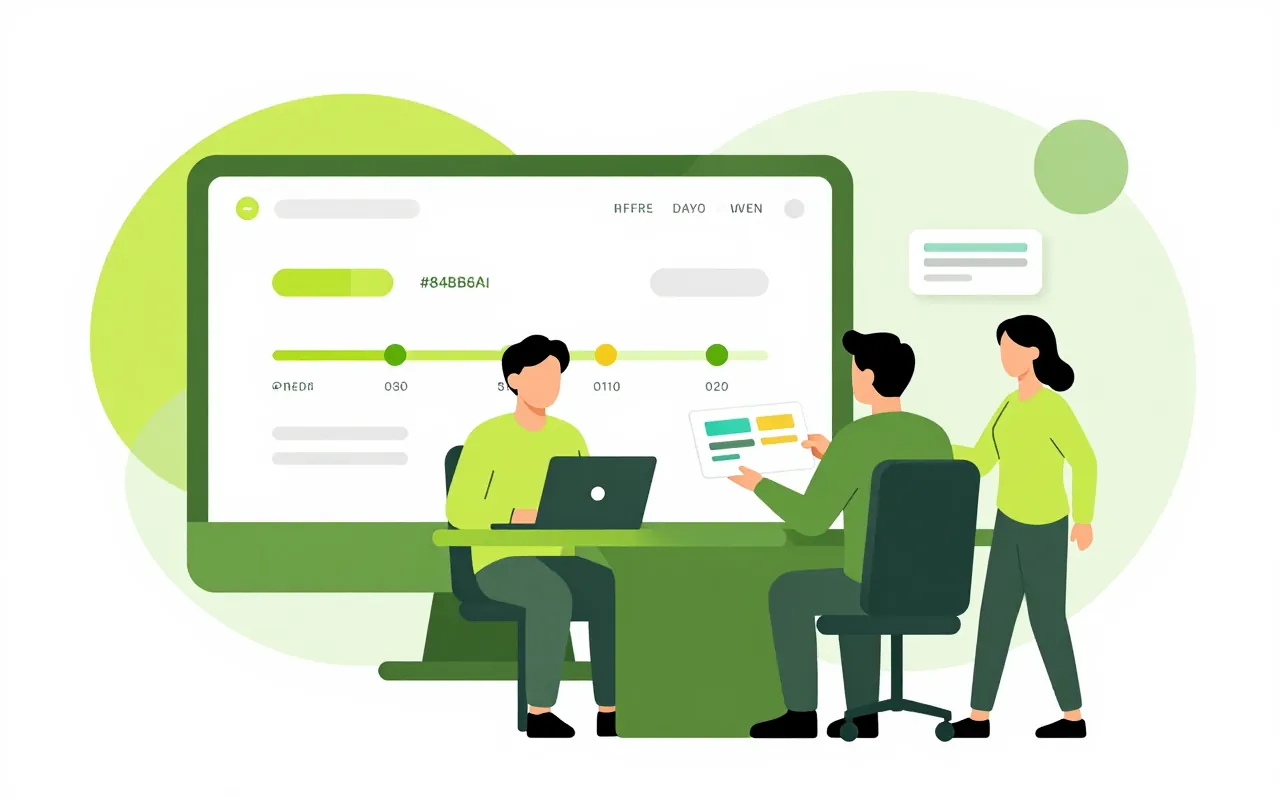
A small desktop app records when people start and stop work and feeds the HR timesheet, next to check-ins from the phone. From there the system keeps the labour book and warns before anyone runs past the overtime limit. Employees see exactly what their manager sees about them.

  • A visible indicator whenever it records
  • Warnings before the overtime cap
  • Nothing is collected without consent

The labour book, already kept

A labour inspector asks for the labour book and this year's overtime. HR exports it with every field the law requires, including annual leave days, overtime hours and night hours shown separately.

  • Night hours counted separately
  • Start and finish times go straight to the timesheet
  • Project hours reach Projects as drafts

A warning before the overtime cap

An engineer has already worked 36 hours of overtime this month and is staying late again. The manager is told before he reaches 40 hours, while there is still time to move the work.

  • Uses the overtime caps in the Labour Code
  • Counted per month and per year
  • The warning comes before the breach

Nothing runs in the background unseen

While the app records, an indicator stays on screen. Staff press Private Time for personal tasks and nothing is recorded meanwhile. The app does not log keys, record the screen or turn on the webcam.

  • No hidden mode of any kind
  • Private Time leaves no trace
  • Gaps show as no data, never as 0%

Staff see what managers see

Hoa opens her own page and sees the same timeline her manager is looking at. Each purpose has its own consent box, off by default, and withdrawing takes one click.

  • A separate consent for each purpose
  • Who agreed, when and to which text is logged
  • No productivity score or ranking
Does the app take screenshots?

Not today. It records presence and absence at the computer for attendance. It does not log keys, record the screen or use the webcam.

What if an employee says no?

Nothing is lost by saying no. That person keeps checking in another way, for example on the phone.

Where does the computer attendance go?

Start and finish times go into the HR timesheet and from there to payroll. There is no second timesheet to reconcile.

Book a demo

Leave your details and we will call you within one working day to set a time. The demo takes about 30 minutes and focuses on the departments you care about.

  • A demo on your own processes
  • Advice on cloud or your own servers
  • A quote based on your user count

Or email us: sales@ziro.vn

Fields marked * are required.